Stem Separation
Separate vocals and instruments.
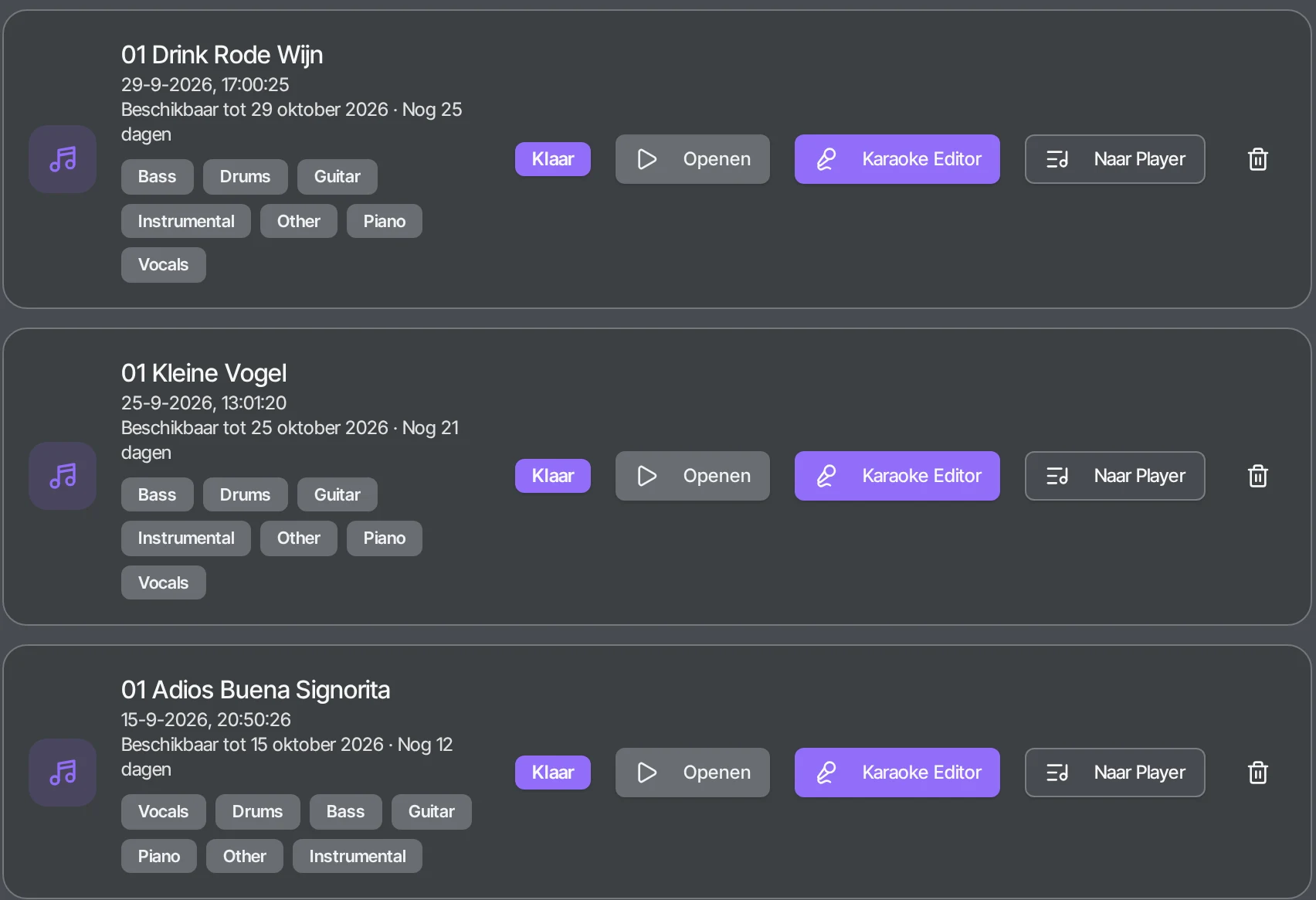
Upload a song and OBS separates the stems with AI: Vocals, Drums, Bass, Guitar, Piano, Other and a complete Instrumental. Remove the vocals for an instrumental version, extract only the vocals, or solo and mute instruments and hear the difference instantly.
What can you use it for?
- Create a sing-along version by leaving out the vocals.
- Practise your own part with the rest of the band playing along.
- Create backing tracks for live performances.
- Use a single stem in your own production or lesson.
How does it work?
- 1
Upload your song
MP3, WAV, FLAC or M4A up to 100 MB.
- 2
OBS separates the tracks
The AI separates the vocals and instruments.
- 3
Listen and mix
Solo or mute stems in the mixer and hear the result.
- 4
Keep working
Open the song in the Karaoke Editor, Mastering, Medley Maker or the Player.
How people use it
Singer
You want to sing a song without the original vocals. You use the Instrumental track as a backing track to rehearse or perform with your own voice.
Band or musician
You play guitar or bass yourself. In the mixer you mute only your instrument and play along with the rest of the recording.
Karaoke and parties
You turn a separated song into a karaoke version with scrolling lyrics in the Karaoke Editor.
Music teacher or producer
You let a student hear a single part, or use a single stem in your own production or lesson.
Frequently asked questions
Can I remove the vocals from a song?
Yes. OBS splits your song into seven tracks: Vocals, Drums, Bass, Guitar, Piano, Other and a complete Instrumental. The Instrumental track is your song without vocals; the Vocals track keeps only the vocals.
Which files can I upload?
MP3, WAV, FLAC and M4A, up to 100 MB per track.
Do I need to install software?
No. OBS works in your browser, on desktop, tablet and mobile.
What can I do with the stems afterwards?
Your stems are stored in My music. You can solo or mute them in the mixer and keep working on the song in the Karaoke Editor, Mastering & Cleanup, the Medley Maker or the Performance Player.
Can I make an instrumental version of a song?
Yes. The Instrumental track is the complete song without the lead vocals. To leave out an instrument as well, mute that track in the mixer.
Can I split music into separate instruments?
Yes, into seven tracks: Vocals, Drums, Bass, Guitar, Piano, Other and Instrumental.
The result
Seven separate stems per song, saved in My music in your account and ready to use in the other OBS tools. Downloads are included with OBS Plus and OBS Pro.
Start separating