Mastering & Cleanup
Finish your track and compare the result.
Cleanup reduces residual reverb, echoes and vocal bleed. Mastering then gives your song the right loudness and tone. Listen before and after and choose what sounds best.
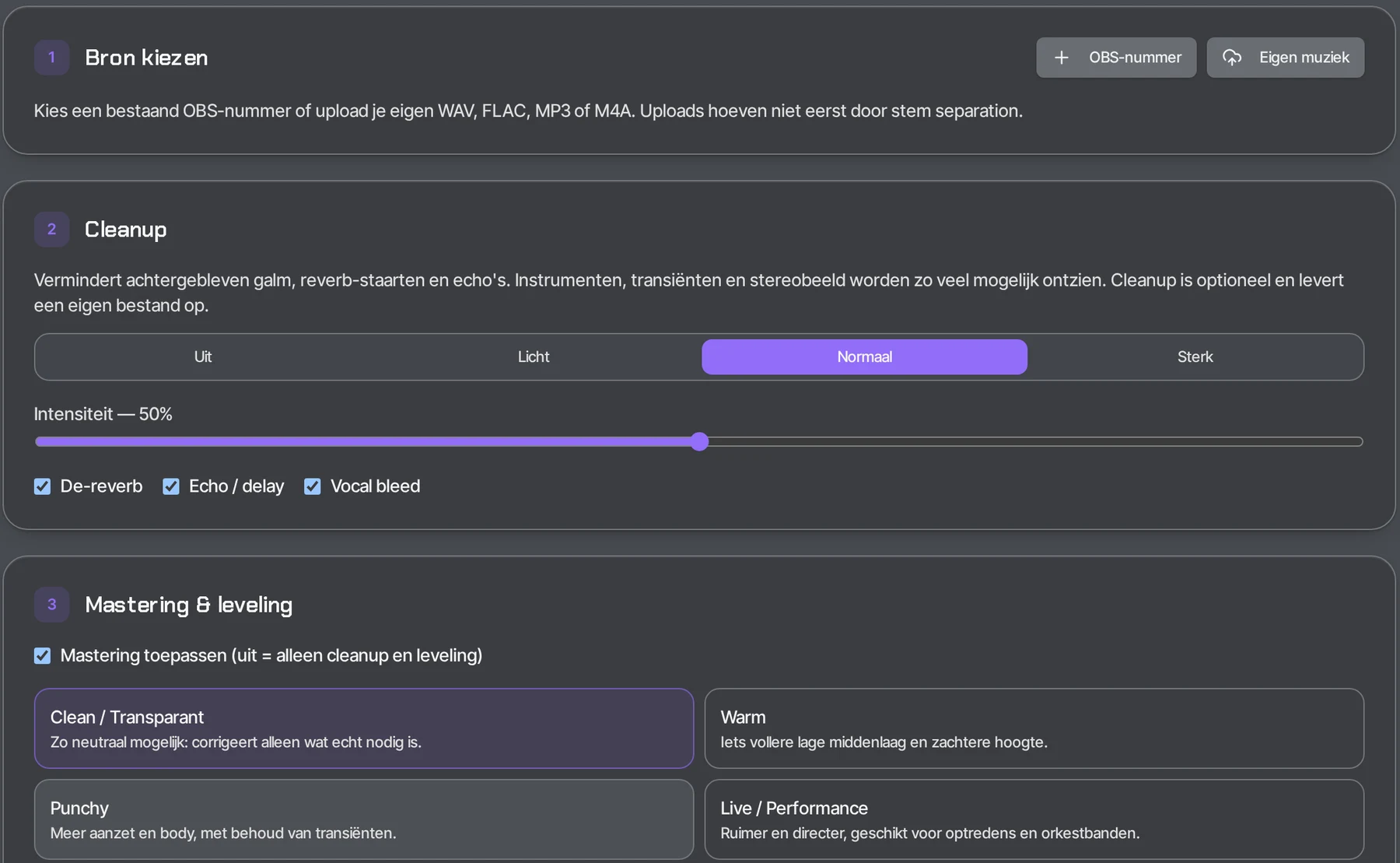
What can you use it for?
- Get an instrumental or backing track ready for the stage.
- Reduce reverb and echo after stem separation.
- Bring a whole set of songs to an even volume.
- Give your own recording a warmer or punchier sound.
How does it work?
- 1
Choose a source
An OBS song from My music or your own WAV, FLAC, MP3 or M4A.
- 2
Set the cleanup
Off, Light, Normal or Strong, with De-reverb, Echo/delay and Vocal bleed.
- 3
Choose a style
Clean, Warm, Punchy or Live/Performance.
- 4
Compare A/B
Listen to the original and the result and choose what to keep.
How people use it
Backing track for a gig
You get an instrumental ready for the stage after stem separation and choose the Live/Performance style.
Setlist at an even volume
You master the songs in your set so they sound more balanced during a performance.
Your own recording
You give your own WAV, FLAC, MP3 or M4A a warmer or punchier sound with Warm or Punchy.
After separating
Cleanup reduces residual reverb, echo and vocal bleed in a separated track.
Frequently asked questions
Can I remove reverb and echo from a recording?
Cleanup reduces residual reverb (De-reverb), echo/delay and vocal bleed, at the strength Off, Light, Normal or Strong.
Which files can I master?
A song from My music or your own WAV, FLAC, MP3 or M4A.
Is my original file kept?
Yes. A new, finished file is created next to your original; the original and the stems always stay unchanged.
Can I improve my audio online?
Yes. You choose cleanup (reverb, echo, vocal bleed) and a mastering style, and compare the result with your original.
The result
A new, finished file next to your original — the original and the stems always stay unchanged. Mastering & Cleanup is included in OBS Pro.
Open Mastering